Looking for the right person to help you can feel like a big job but Zorbee makes it easy! Here’s a simple, step-by-step guide to help you find the best professional for your needs and feel confident along the way.
Step 1 Make Your Zorbee Account
First, sign up!
Go to the Zorbee website or app.
Click “Get Started” and fill in your name, email, and a password.
Check your email to confirm your account.
This gives you your own space on Zorbee where you can save details, search, and manage everything safely.
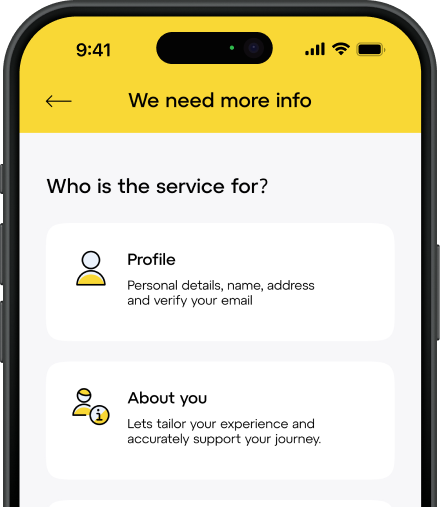
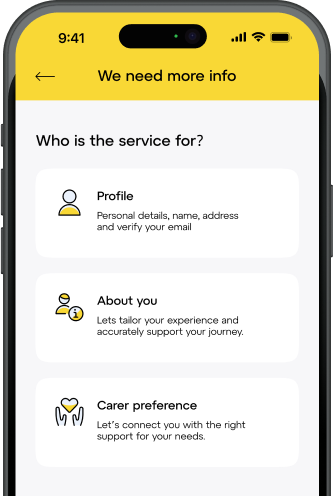
Step 2 Fill Out Your Profile
Once you’re signed in, it’s time to tell Zorbee a little bit about you.
Add your location (where you live).
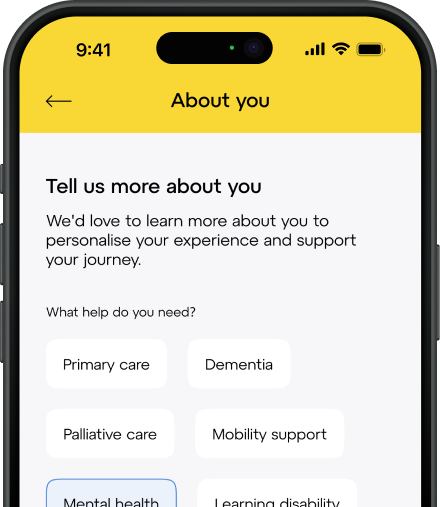
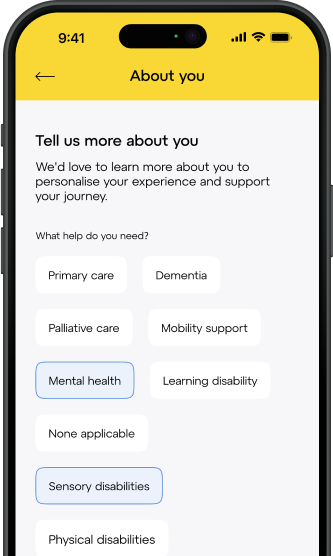
Say what kind of help or service you’re looking for. For example, do you need personal help at home? A medical professional? A specialist?
Fill in anything special you want, like what days or times work for you, if you want someone with certain experience, or if you prefer someone who speaks your language.
This helps Zorbee match you with people who are right for you!
Step 3 Search for Professionals
Now you’re ready to look!
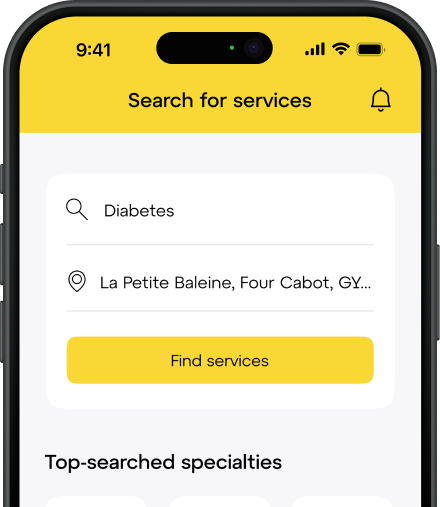
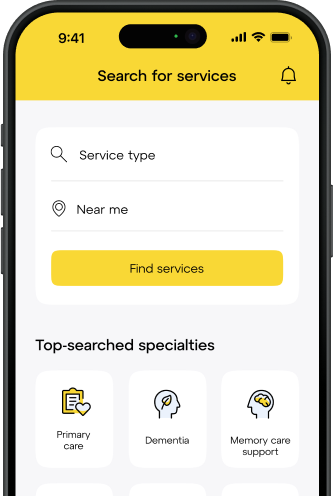
You can search yourself by typing in your postcode and looking through the list of local professionals.
Or, you can let Zorbee’s smart match system suggest people who fit your needs and are available when you need them.
You can use filters to make the list smaller like showing only people with certain skills or prices that fit your budget.
Step 4 Check Their Profiles
For each professional, you can:
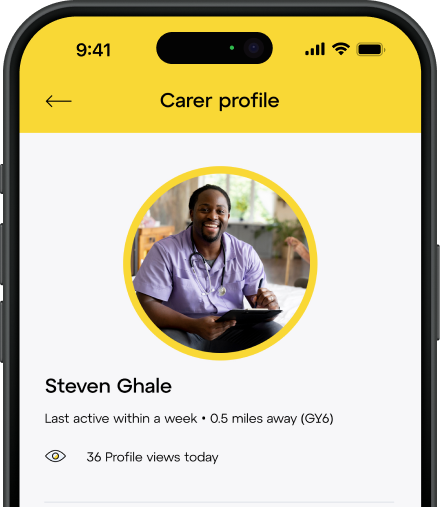
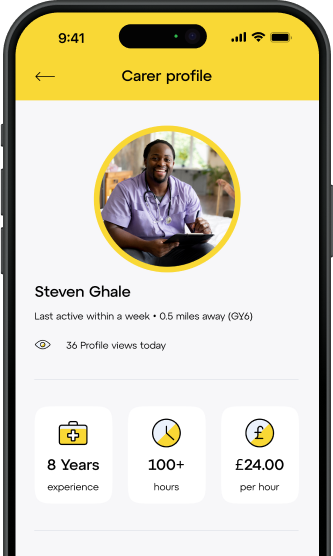
Read their about me section, where they explain what they do and what they’re good at.
See their qualifications (the training or certificates they have).
Check their prices and when they’re available.
Read reviews from other people who’ve used their services this is a great way to see if they’re a good match for you!
Step 5 Chat or Meet Before Booking
It’s always a good idea to talk to the professional before you book.
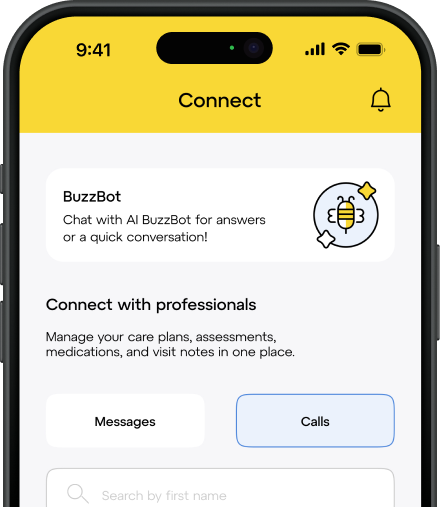
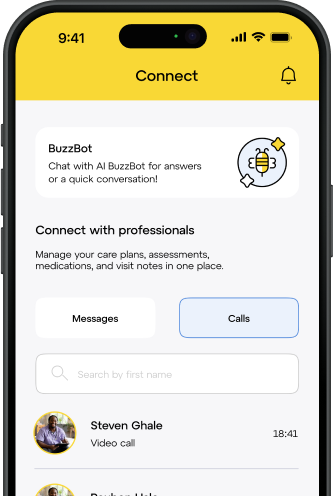
You can send them a message right inside the Zorbee app to ask questions.
Or you can set up a Zorbee Meet video call to chat face-to-face and get to know them better.
This helps you feel sure they’re the right person to help you.
Step 6 Book Your Service
Once you’ve found someone you trust:
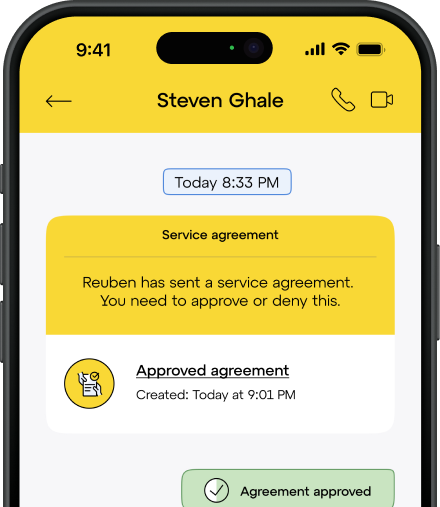
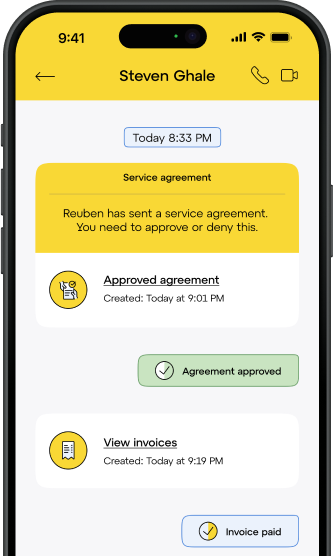
Confirm your booking inside the Zorbee app or website.
Agree on what they’ll do, when they’ll come, and how much it will cost.
Pay safely through Zorbee no need to handle cash or worry about it!
Step 7 Stay in Touch and Keep Track
After you book, you can:
See all your appointments in your Zorbee dashboard.
Message your professional anytime through the app.
Get updates or notes if they send them, so you always know what’s happening.